Services
What We Do
OUR SERVICES
INSTITUTE PNG (PTI-PNG)
- Our Core Services
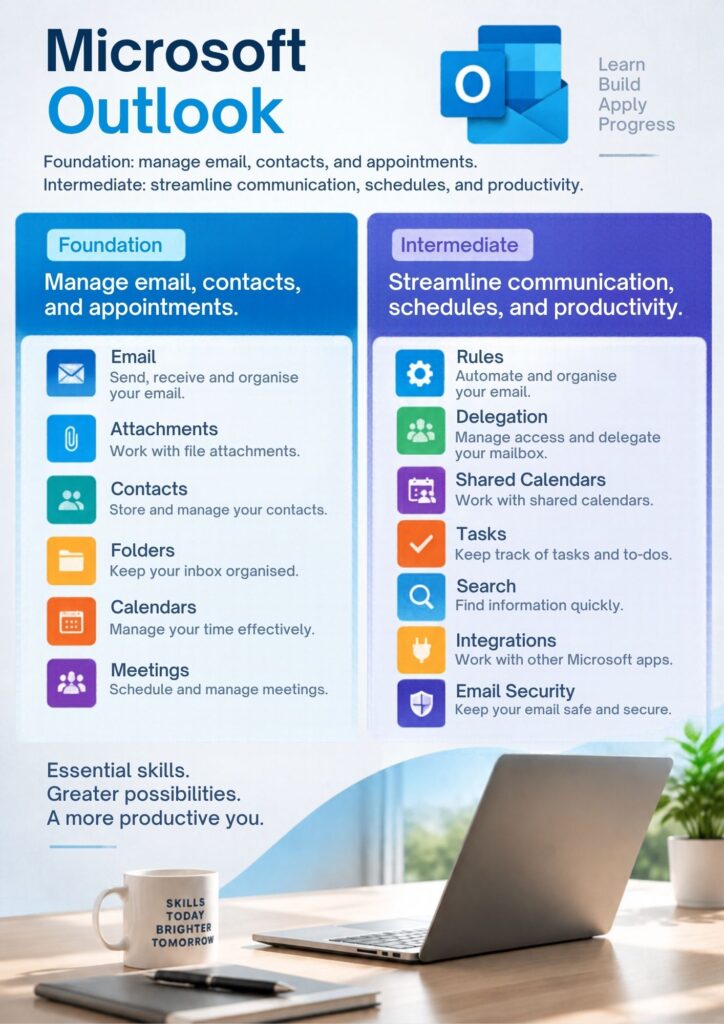
- Microsoft Office Specialist (MOS) Training and Certification
PTI-PNG provides training and preparation for internationally recognised Microsoft Office Specialist certification examinations, including:
- Microsoft Word
- Microsoft Excel
- Microsoft PowerPoint
- Microsoft Access
- Microsoft Outlook
Training includes practical exercises, GMetrix examination preparation, and Certiport examination arrangements, subject to certification availability.

Services
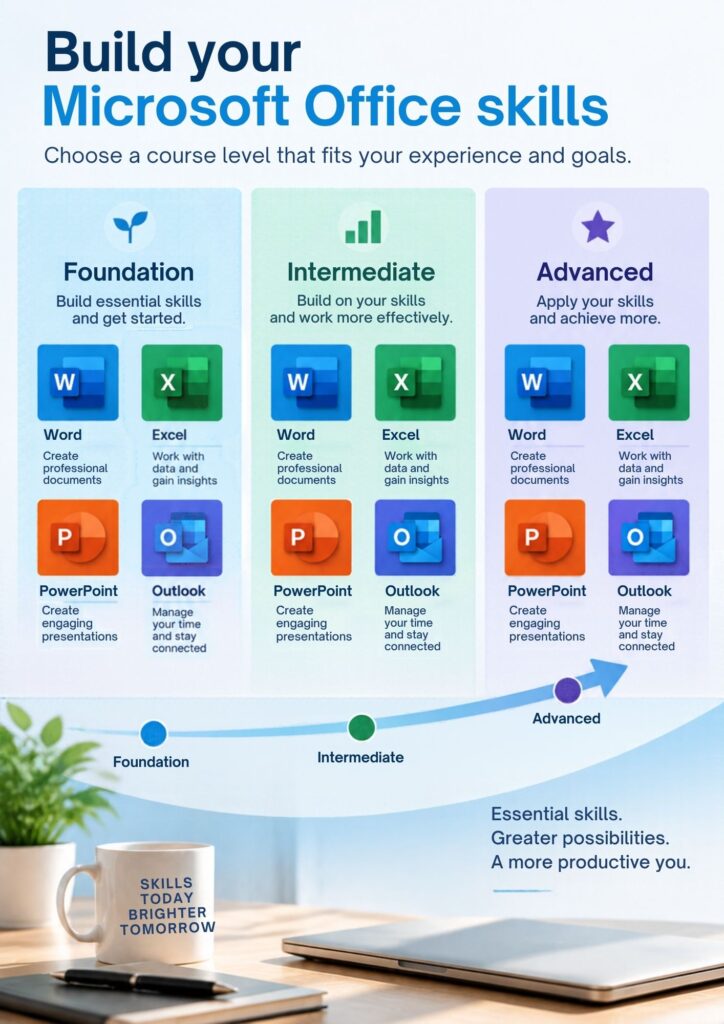
MICROSOFT OFFICE COURSES
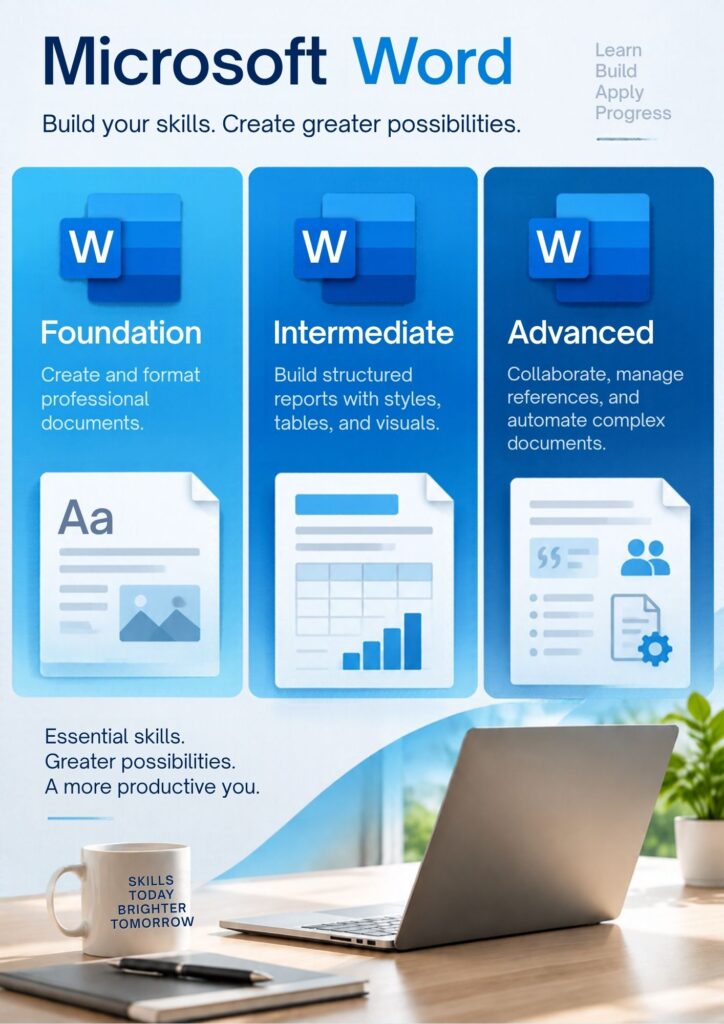
WORD FOUNDATION
Course Summary: This module introduces participants to Microsoft Word, focusing on basic features for creating, editing, formatting, and saving professional documents. Key Learning Outcomes: • Navigating the Word interface and ribbon • Creating, opening, and saving documents • Basic text entry, editing, and formatting • Applying fonts, sizes, colors, and text alignment • Using bulleted and numbered lists • Basic page layout: margins, orientation, and spacing • Printing and saving documents in multiple formats Overview: By the end of this foundation course, learners will have the confidence to create and format simple professional documents such as letters, memos, and reports.
WORD ADVANCED
Course Summary: This advanced module focuses on complex document design, collaboration tools, and automating tasks within Word. Key Learning Outcomes: • Working with advanced tables and charts • Creating and managing reference tools: table of contents, footnotes, endnotes, citations • Using mail merge for mass communication • Tracking changes and collaborative editing • Protecting documents with permissions • Using macros to automate tasks • Advanced page layout and design features Overview: Upon completion, participants will be able to create comprehensive, collaborative, and automated Word documents suitable for business or academic use.
WORD INTERMEDIATE
Course Summary: This module builds upon foundational skills, teaching participants how to manage longer documents, use templates, and apply advanced formatting features. Key Learning Outcomes: • Using and modifying templates • Applying styles and themes for consistency • Creating and formatting tables • Inserting images, shapes, and SmartArt • Working with headers, footers, and page numbering • Setting up columns and sections • Using Find & Replace and spellcheck effectively Overview: Learners will be able to produce well-structured documents, integrate visuals, and format professional reports with improved efficiency.
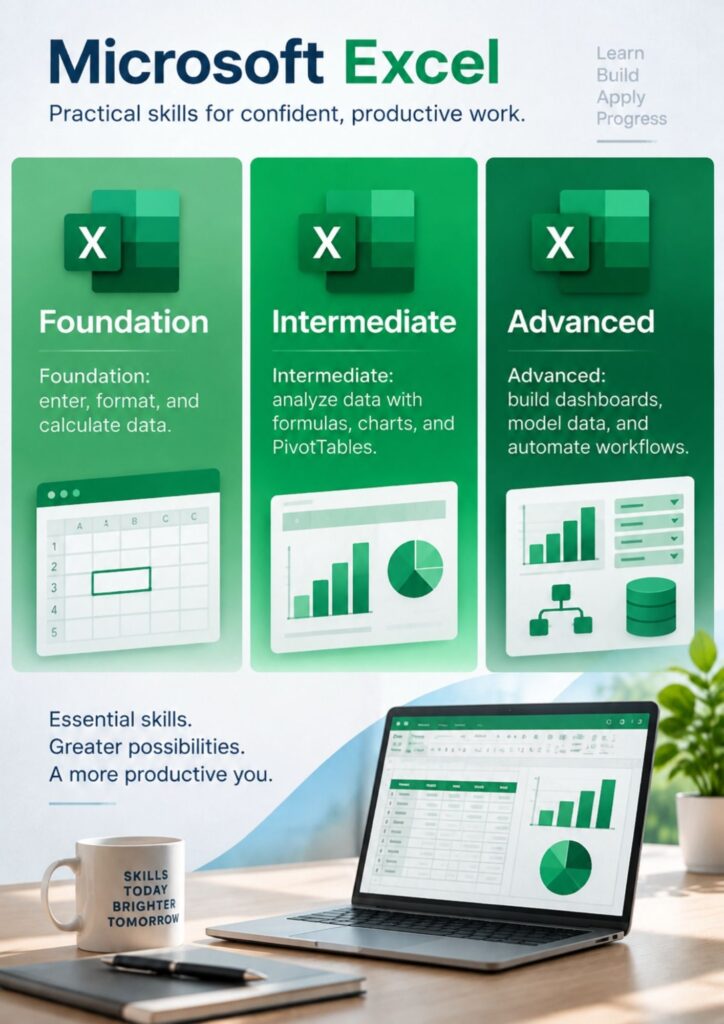
EXCEL FOUNDATION
Course Summary: This entry-level Excel module introduces learners to spreadsheets, focusing on data entry, basic formulas, and simple formatting. Key Learning Outcomes: • Navigating the Excel interface and workbook structure • Entering, editing, and formatting data • Applying basic formulas (SUM, AVERAGE, MIN, MAX) • Sorting and filtering simple data • Formatting cells, rows, and columns • Printing worksheets and setting page layouts Overview: Learners will understand how to create and manage basic spreadsheets for day-to-day business or personal use.